Active Intelligence 3.0: Wavelength — What ActiveCampaign’s New AI Actually Means for a Solo Founder

If you’re running a company on your own — no marketing hire, no agency — email is usually the first thing that slips. Not because you don’t know what to send, but because nothing reminds you it’s time, and by the time you notice, the moment’s passed. Automations quietly break and nobody notices because nothing fails loudly — a sequence just stops converting and stays that way for weeks.
What Active Intelligence 3.0: Wavelength actually is
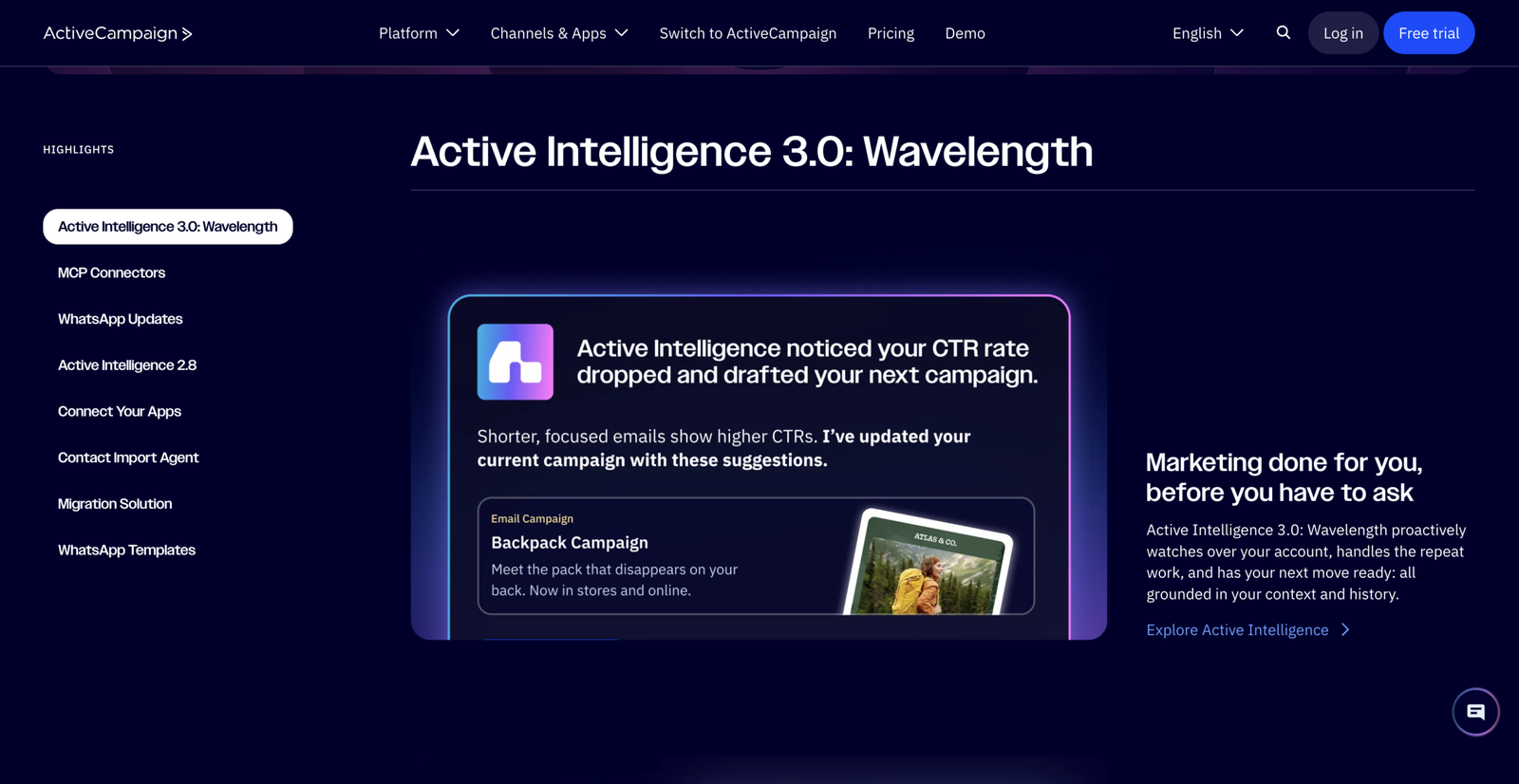
Every version of ActiveCampaign’s AI before this one has been reactive: you open a chat, type a prompt, get a draft back. Useful, but it only works when you remember to ask.
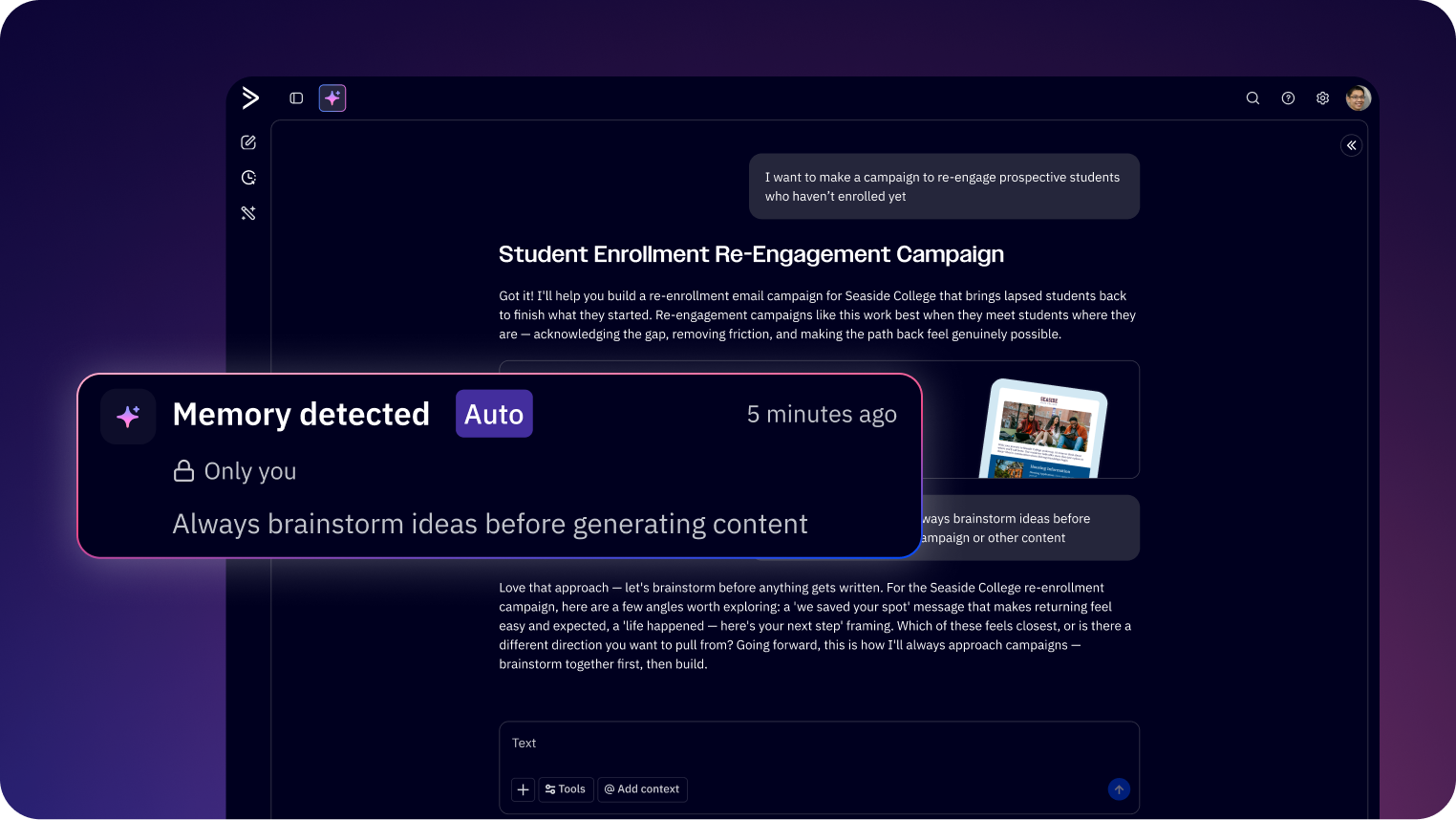
Wavelength is built differently. It runs on a shared context layer — your account history, your automations, your past campaign performance, your brand voice, and relevant signals from outside your account — and uses that context to surface the next useful move before you go looking for it. You’re still the one reviewing and approving everything that goes out; Wavelength just stops waiting for you to open the chat window first.
According to ActiveCampaign’s official release notes, Active Intelligence 3.0 introduces 12 capabilities across three pillars — External Intelligence, Autonomous Actions, and Advanced AI — all sitting on top of that one context layer. You can read the full announcement on ActiveCampaign’s community page if you want the complete list.
For a founder wearing every hat in the business, three of those twelve are the ones actually worth your attention.
The three features worth knowing about
1. Proactive drafts and ideas
Instead of opening a blank campaign and staring at it, Wavelength prepares a draft ahead of time — built from what’s actually worked in your account before, grounded in your own send history rather than a generic template. The idea is that you start from “here’s something plausibly relevant” instead of a blank page, which is often the difference between a campaign going out that week and it slipping another month.
You’re still expected to review and rewrite before anything sends — ActiveCampaign is explicit that this is a drafting tool, not an autopilot.
2. Automation Health (automation monitoring)
If you run any kind of onboarding sequence or follow-up automation, you already know the quiet failure mode: a step breaks, contacts stack up behind it, and nobody notices because the automation is still technically “running.” Wavelength’s monitoring and performance recaps watch automation health across your account and surface issues before they turn into a bigger problem, instead of you finding out three months later that a segment stopped matching anyone.
3. External intelligence and brand monitoring
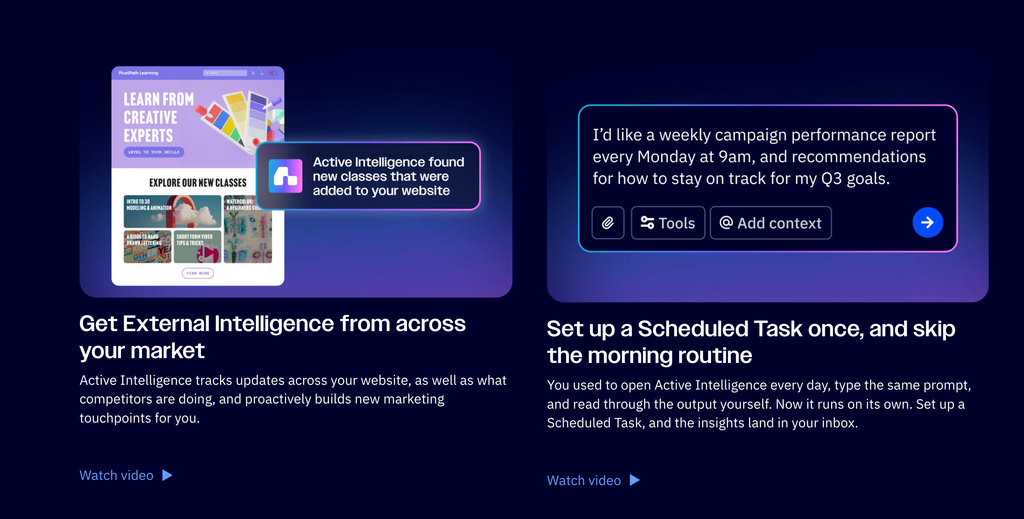
Wavelength can bring outside signals — competitor moves, industry shifts, changes on your own site — into your campaign planning instead of leaving that as a separate research task that never quite happens. If your own messaging changes on your website, this is the piece that’s supposed to flag when your email content hasn’t caught up.
What it doesn’t do
Worth being direct about the limits, because the positioning matters here. ActiveCampaign is explicit that Wavelength does not predict what your audience will buy — it’s not “AI that knows what your customers want.” It’s AI that knows your account: your history, your patterns, what’s already worked for you specifically, well enough to stop you starting from zero every time. That’s a narrower, more accurate claim than “AI that reads your customers’ minds,” and it’s the one worth trusting.
It’s also not a hands-off system. Every draft and every recommendation still needs a human pass before it goes anywhere — which is exactly how AI in your marketing stack should work at this stage.
Where it fits if you’re building a US business from abroad
If you’re setting up a US business from outside the US — which is most of what this channel covers — you’re almost always doing your own marketing in the early days, because there’s no budget for a hire and no time to learn a new tool from scratch. ActiveCampaign already covers the basics well in one place (email, automations, light CRM), and Wavelength is the layer that makes that usable when you genuinely don’t have the bandwidth to babysit it.
If you’ve already got your US bank account and LLC formation sorted, email marketing tends to be the next system worth getting right before you start actively selling.
Getting started
ActiveCampaign’s own getting-started guidance suggests starting with one account you understand well, strengthening it with your Brand Kit and custom instructions, and then trying proactive drafts and automation monitoring around a real campaign before expanding further. That’s a reasonable place to start if you’re doing this solo too — don’t try to hand the whole account over on day one.
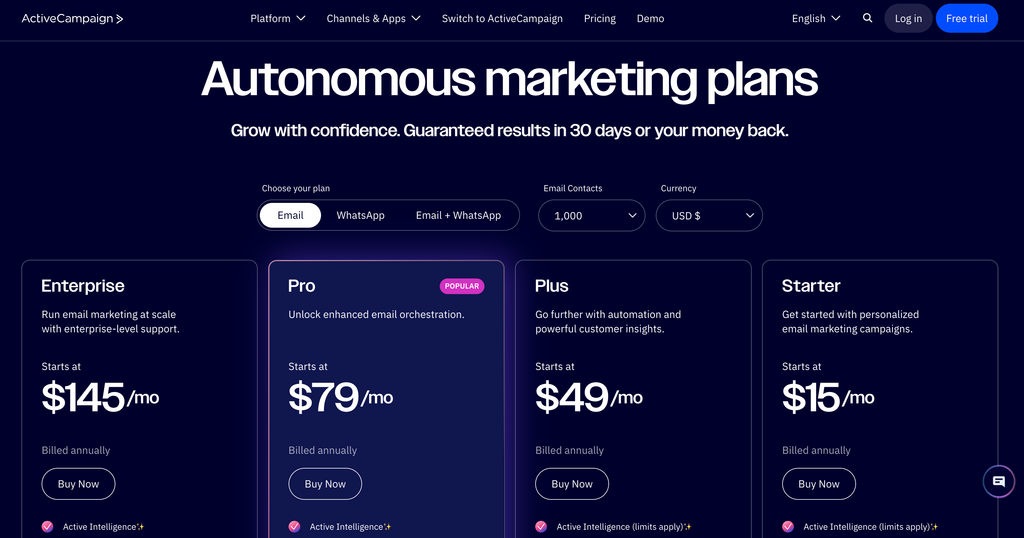
Also feel free to use my link and try Active Campaign today
Getting Wavelength running in your account
Wavelength isn’t a toggle you flip once and forget — it works from what it can see, so the setup matters more than usual.
Start in Settings → Brand Kit and fill it in properly: your brand voice, your typical tone, a couple of example emails you’d call “on brand.” Wavelength pulls from this before it drafts anything, so a thin Brand Kit means thin drafts.
Next, check your Custom Instructions (same settings area). This is where you tell it things like “always offer three subject line options” or “never mention pricing in the first email of a sequence.” ActiveCampaign’s own docs call this out as the fastest way to make the first few drafts usable instead of generic.
From there, proactive drafts and Automation Health start showing up on their own — usually inside your dashboard as a card, not something you have to go looking for. The first one or two will probably need a real edit. That’s expected; it’s learning from your account, not guessing from a template.
A concrete example
Here’s roughly how this plays out in practice, based on how ActiveCampaign describes the flow.
Say you run a fall promotion every year, and you’ve sent something similar the last two Novembers. A few days before your usual send window, a card shows up — not a chat you have to open, just sitting in your dashboard — with a subject line, a draft body, and a note explaining why: something like “based on your November 2024 and 2025 campaigns, which had a 22% open rate.”
You don’t write anything from scratch. You read it, cut the line that doesn’t sound like you, swap in this year’s actual discount, and send. What used to be “block out an hour to write a campaign” becomes “spend ten minutes editing one.”
The same pattern applies to Automation Health. Instead of you manually checking whether your onboarding sequence is still converting, a recap shows up flagging that your email open rate on step three dropped 18% since a recent edit — before you’ve noticed a single support ticket about it.
Neither of these replaces judgment. They replace the blank page and the manual checking, which for a solo operation are usually the two things that quietly don’t happen.
A few practical questions
Does this cost extra, or need a specific plan?
Active Intelligence 3.0 rolled out as part of ActiveCampaign’s existing plans rather than a paid add-on, but availability by tier can shift — worth checking your account’s Settings page directly rather than trusting a screenshot from someone else’s plan.
Does it use my contact data to train something outside my account?
No — the context layer draws on your own account history (your campaigns, your automations, your brand settings). It’s not pooling your subscriber data across other ActiveCampaign customers.
Can I turn off the external-signal monitoring if I don’t want it?
Yes. External Intelligence is one of three pillars, and each surfaces separately — you’re not locked into all twelve capabilities at once.
Do I need a big list for this to be useful?
Not to try it, but the proactive drafts and automation recaps get sharper the more send history you have. See below.
Where it’s less useful right now
Worth being honest about this too. If you’re brand new to ActiveCampaign — under a few hundred contacts, or you haven’t run enough campaigns yet for Wavelength to have real history to learn from — the proactive drafts will lean generic for a while, closer to what the older reactive AI gave you. The value compounds with account history, not from day one. If that’s you, it’s still worth turning on Brand Kit and Custom Instructions now so Wavelength has something to work from once you do have that history — but don’t expect the “it already knows my brand” moment right away.
Affiliate disclosure: I’m a paid affiliate for ActiveCampaign. If you sign up through the link above, I may earn a commission at no extra cost to you. I only recommend tools I use in my own business.